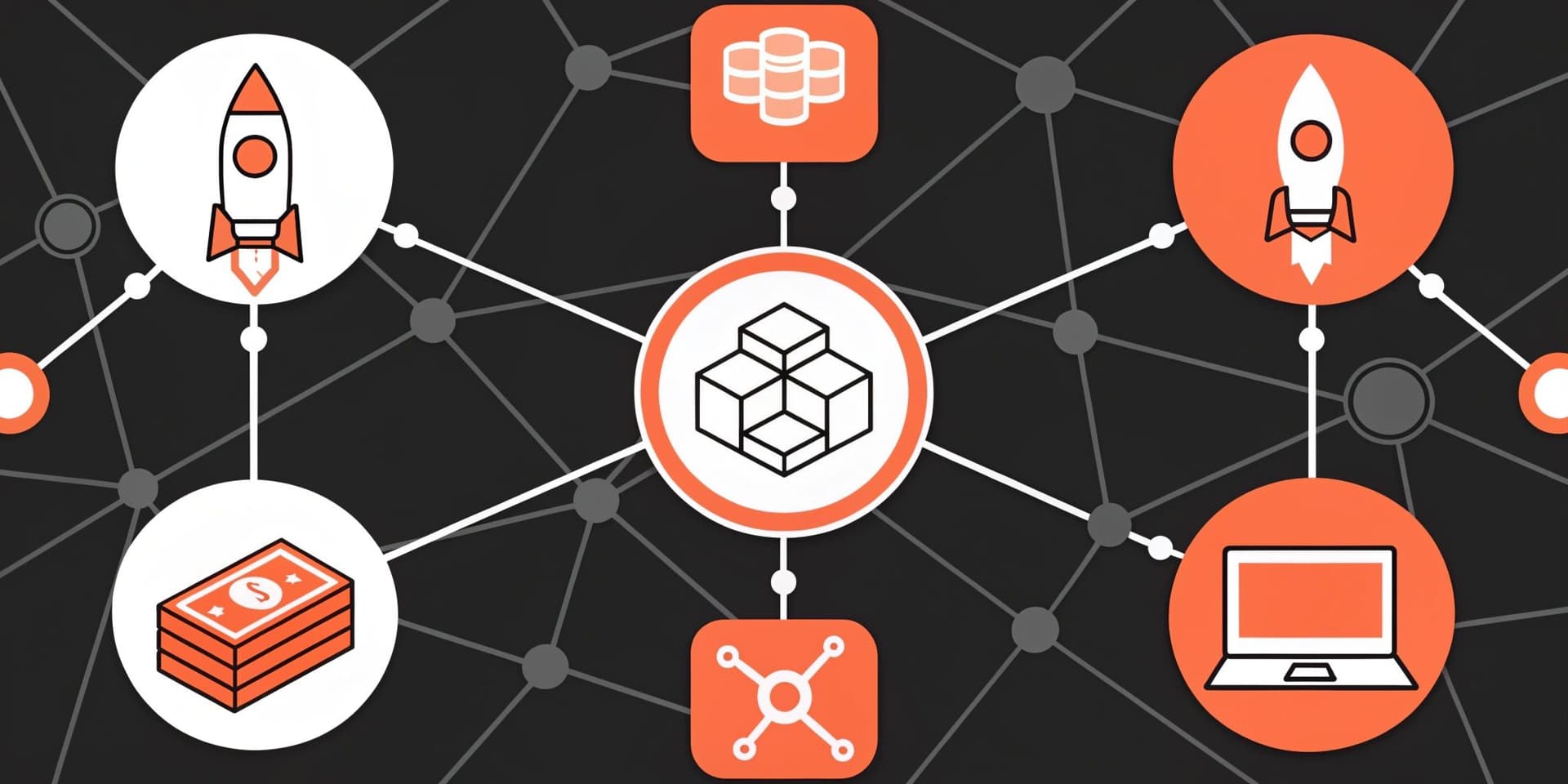
A crypto testnet is a separate blockchain network designed for testing, where you can try transactions, smart contracts, and wallet features without risking real funds; this guide also shows how to add a custom network in Trust Wallet so you can manage multiple cryptocurrencies and use dApps across different chains.
Test networks typically simulate how a live chain works (same general rules and tooling), but they use tokens that are intended to be valueless. Testnet coins are not real money, and they have no market value, meaning they cannot be exchanged for real assets on legitimate markets.
Mainnet, by contrast, is the live blockchain where real transactions occur and assets can carry real value. In practice, the key differences come down to purpose (testing vs. real usage), value (valueless test tokens vs. potentially valuable assets), and risk (safe experimentation vs. irreversible, real-world consequences).
Testnets matter because they let developers find bugs before deploying to mainnet, and they let users practice common actions (sending tokens, connecting to dApps, approving transactions) without learning lessons the expensive way. Testnets can be public (open to anyone) or private (restricted to a team or organization), and popular public examples include Sepolia, Goerli, and Mumbai.
To use a testnet, you usually obtain test tokens from a faucet, which is a service that dispenses small amounts of testnet currency to an address so you can run transactions. Always be cautious: scammers may advertise “testnet token sales” or fake faucets—real test tokens should not require payment, and you should avoid sharing seed phrases or signing suspicious approvals just to receive test coins.
Custom Networks Explained
Before walking through setup, it helps to understand why custom networks matter in a wallet. These are blockchain configurations not shipped by default, covering newer, niche, or community-driven chains alongside well-known ecosystems.
By adding your own network settings, you can tap into tokens and decentralized applications that live outside preset options. When you configure a custom network in your wallet, you can:
- Reach assets that reside on alternative blockchains.
- Use dApps that only operate on a specific chain.
- Broaden the mix of cryptocurrencies you can hold and track.
Column headers: “Benefit” names the advantage of adding a custom network, and “Description” explains what that advantage enables in practical terms.
| Reach assets that reside on alternative blockchains | View and manage tokens that are issued on chains not included by default. |
|---|---|
| Use dApps that only operate on a specific chain | Connect to apps that require a particular network configuration and RPC endpoint. |
| Broaden the mix of cryptocurrencies you can hold and track | Expand your portfolio view across more ecosystems from a single wallet. |
Finding Reliable Network Details
Use Chainlist to look up the chain you plan to connect. Choose an RPC endpoint that shows a green status indicator to ensure it is responsive.
- Open Chainlist, a directory of EVM-compatible networks.
- Search for the exact chain you want to add.
- Select an RPC URL displaying a green health signal.
- Copy the chain name, symbol, chain ID, RPC URL, and explorer information.
Column headers: “Step” is the sequence number in the process, and “Action” describes what to do at that step.
| 1 | Open Chainlist, a directory of EVM-compatible networks. |
|---|---|
| 2 | Search for the exact chain you want to add. |
| 3 | Select an RPC URL displaying a green health signal. |
| 4 | Copy the chain name, symbol, chain ID, RPC URL, and explorer information. |

How to Add a Custom Network in Trust Wallet
Follow these steps in the mobile app to connect a new chain to your wallet.
Step 1: Open the Custom Network Screen
- Launch the Trust Wallet app on your device.
- On the main wallet screen, tap the manage assets icon in the top-right corner.
- Press the plus (+) button.
- Switch the view from the Token tab to the Network tab at the top-right.
Column headers: “Step” is the sequence number in the flow, and “Action” describes the exact tap or navigation required.
| 1 | Launch the Trust Wallet app on your device. |
|---|---|
| 2 | On the main wallet screen, tap the manage assets icon in the top-right corner. |
| 3 | Press the plus (+) button. |
| 4 | Switch the view from the Token tab to the Network tab at the top-right. |
Step 2: Enter the Network Details
- Confirm you selected the intended base network.
- Provide the required fields: network name, symbol, RPC URL (node endpoint), chain ID, optional block explorer URL.
- Tap Save to finish.
Column headers: “Field” is the network setting you enter, and “Description” explains what it is used for.
| Network name | The label you will see in your wallet’s network list. |
|---|---|
| Symbol | The native token ticker shown for the network (for example, a chain’s gas token). |
| RPC URL (node endpoint) | The server address your wallet uses to read data and broadcast transactions to that network. |
| Chain ID | The unique identifier used to distinguish the network from others. |
| Block explorer URL (optional) | A site that lets you view addresses, transactions, and blocks for the network. |
Please verify every field carefully and only use trusted RPC endpoints.
Step 3: Confirm the Network Is Added
That’s it—the custom network is now available in your wallet.
Note: If the chain is not yet verified in the Trust Wallet assets repository, its icon and price data may be unavailable.

Why Add Custom Networks
Connecting additional chains unlocks new possibilities in your crypto workflow.
- Access tokens that are not listed on major default networks.
- Spread exposure beyond popular mainnets like Ethereum or BNB Smart Chain.
- Try innovative dApps that launch first on emerging ecosystems.
If you are adding a test environment specifically, you will often repeat common actions (sending tokens, swapping, minting, or interacting with contracts) using faucet-issued test tokens. This is a practical way to learn how a dApp behaves before you do the same thing on a live chain with real assets.
Security Tips for Custom Networks
Protect your funds by validating every source of network data, especially RPC URLs, ideally from official project pages. Keep your wallet updated with the latest security improvements, and consider pairing with a hardware wallet when engaging multiple chains.
Be especially careful with anything labeled as a faucet or “test token” distribution. Avoid paying for testnet coins, avoid connecting your wallet to unknown sites just to claim tokens, and never share your recovery phrase. If a site requests unusual permissions or asks you to sign unexpected approvals, treat it as suspicious and exit.
Troubleshooting Common Issues
If something fails to connect, recheck each field for typos, confirm your internet is stable, restart the app, and ensure you are on the latest version of Trust Wallet.
If a testnet you used previously stops working, it may have been shut down due to upgrades, low usage, or a migration to a newer test network. In that case, remove the outdated configuration, look up the currently supported test environment for that ecosystem, and add the updated network details.
Closing Thoughts
Adding a custom network is straightforward and expands what you can do across blockchain technology. Follow the steps above to explore new testnets and mainnets while keeping security front and center.
Disclaimer: This content is educational and not financial advice. Web3 and cryptocurrencies involve risk. Do your own research before interacting with any dApp, token, or network. Review the applicable terms of service on the official website.
Note: Any cited numbers, figures, or illustrations are reported at the time of writing, and are subject to change.