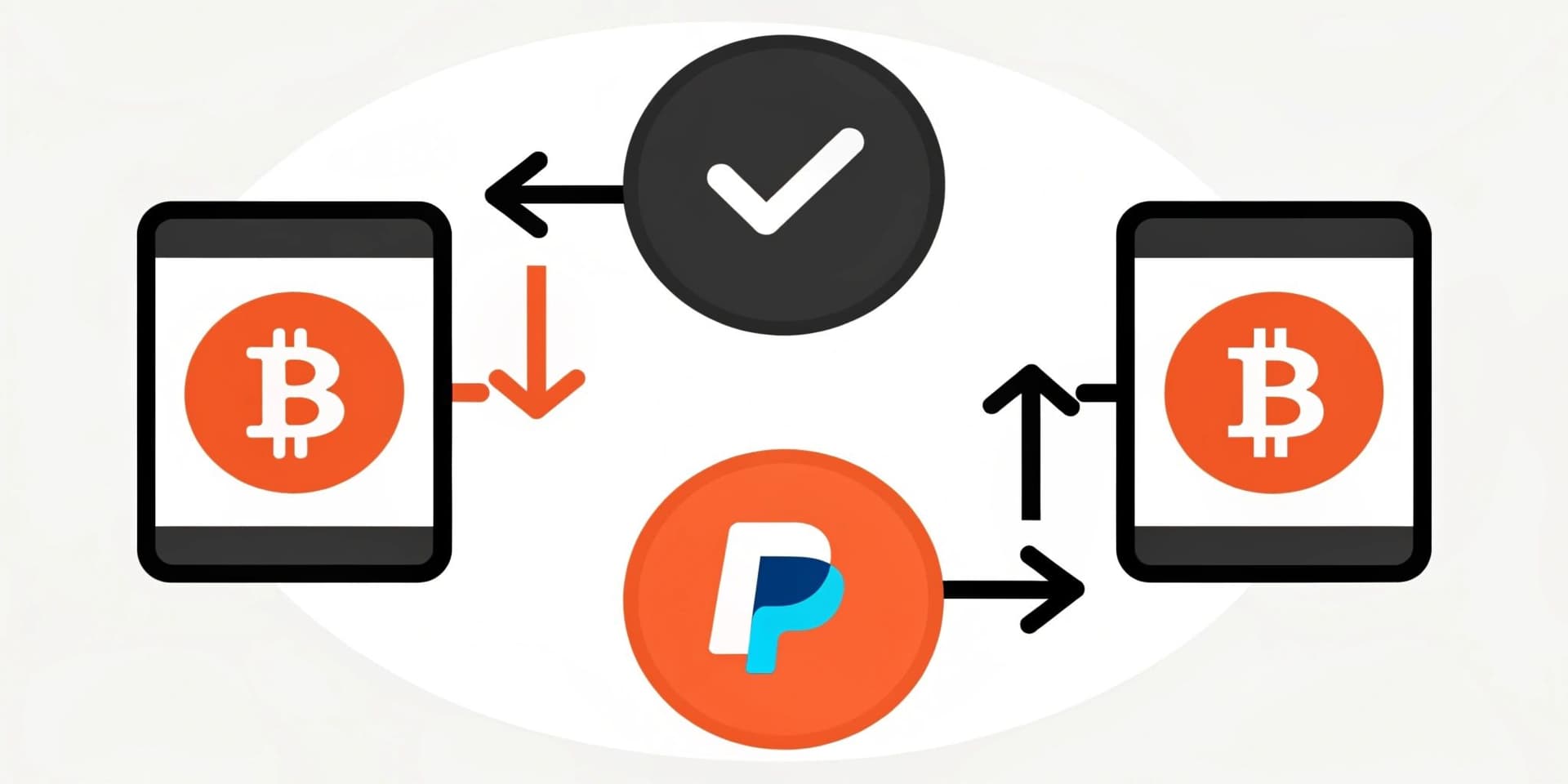
People often ask whether they can validate or “verify” Bitcoin inside a familiar payments app, and the answer is that it depends on what you’re trying to confirm. In PayPal, you can typically verify in-app crypto activity (such as a buy or sell), but external-chain confirmation is not shown as a direct “receipt” the way it would be in a public block explorer. Also, sending Bitcoin out of PayPal usually requires that your account has the right transfer permissions, which may involve additional verification. The sections below explain how PayPal records crypto events, where to check the relevant details in your activity log, what changes when you move funds to an exchange, and what you should expect when a transfer is pending or delayed.
How PayPal Crypto Works With Bitcoin
From a practical angle, holding coins through this service differs from self-custody in a personal wallet, because the provider acts as an intermediary and keeps custody on your behalf. Rather than broadcasting a transaction to a public chain yourself, you interact with an internal ledger where balances update after a purchase, sale, or conversion. Inside that framework, verification means checking that the platform recorded your crypto transaction accurately and that the payment was accepted. Think of it like confirming a card charge in your activity feed: you see it posted, even though you don’t view every back-end hop. This separation can also affect what you can and cannot verify from inside the app—public-chain confirmation isn’t the in-app flow—so it’s useful to know where PayPal keeps the record you need.
KYC and Your PayPal Account for Crypto Transactions
PayPal generally requires identity verification before you can access crypto features. In most cases, this means you must complete verification on your profile, which may include linking a funding method and confirming it so your account can be approved for crypto services. If your account is not verified for crypto, you may face limits on what you can do, such as purchasing, converting, or withdrawing crypto.
PayPal crypto access requirements (consumer vs. business)
Before you first access PayPal’s Cryptocurrencies Hub, PayPal verifies (or requires that you have already verified) the identifying information you provide. The exact requirements can vary by region and account type, but common categories are:
Consumer account verification (typical fields): name, physical address, date of birth, and taxpayer identification number.
Business account verification (typical fields): business name, business address, taxpayer identification number, identifying information on beneficial owners, federal tax classification, and proof of business existence. PayPal may also request additional information from time to time to verify these details.
Extra identity checks and documents PayPal may request
In addition to the initial identifying fields, PayPal may request further documentation or identity checks. Examples of what may be requested include a copy of your government-issued photo ID, proof of address (such as a utility bill), and—depending on the verification step—face or other biometric information. If biometric verification is required, PayPal indicates it will offer an alternative method.
Confirming a Purchase When You Buy Bitcoin on PayPal
When you buy Bitcoin in-app, you usually verify the event by checking your PayPal activity. After you complete the purchase, your crypto balance updates, an email is typically sent, and the activity entry shows transaction details such as the amount, price, fee, and a timestamp. That internal entry is the practical proof you can use for bookkeeping or taxes, because it reflects what the platform recorded as settled within its system. If you need to reference the purchase later—for example, to resolve a dispute or document cost basis—this activity record is where those details typically appear.
Sending Bitcoin to an external wallet: is extra verification required?
Yes. PayPal indicates that to enable external crypto transfers, you must complete an additional level of account verification beyond basic crypto access. Once that additional step is enabled, you can send cryptocurrency out of PayPal using an external wallet address. As a safety rule, the destination address must match the exact cryptocurrency you are sending; sending to an address that doesn’t correspond to the asset can result in the crypto being lost.
Typical checklist to enable external wallet sends:
- Confirm your PayPal profile is verified for crypto features (KYC prerequisites completed).
- Look for the setting that enables external crypto transfers and complete any additional verification steps shown.
- When sending, confirm the asset type and the destination address format in the send flow.
- Keep a copy of the activity entry and any confirmation details provided (for tracking and troubleshooting).
Warning: before you confirm a withdrawal, verify you’re entering the correct cryptocurrency and the correct address for that specific asset.
Using PayPal With External Crypto Exchanges
When you move funds between PayPal and an exchange, PayPal acts as the funding rail for the exchange transfer. Verification is still primarily about matching records: you should confirm that money left your PayPal balance or funding method, and you should also verify that the exchange shows the incoming transfer. In practice, you may authorize the transfer, see a pending item, and then wait for the exchange side to mark it as completed. For withdrawals from an exchange back to PayPal, you typically track the outgoing status at the exchange and then check your PayPal activity for the incoming entry. Comparing the states in both places helps ensure the transfer process completed and that no step was missed.
How long PayPal takes to verify Bitcoin activity (what to expect)
Timing depends on whether you’re checking in-app activity or awaiting an external movement. For in-app buys or sells, PayPal activity entries usually appear shortly after you complete the action, and the status in your activity log reflects whether it has been recorded as posted or still pending. For exchange transfers and external wallet sends, updates can take longer because completion depends on the exchange or external system receiving and confirming the transfer.
Where to check status: your PayPal activity feed (and the related email notifications) for the PayPal-side record, and the exchange’s deposit/withdrawal status screen for the other side.
- Pending: the transfer has been initiated but may not be completed on the destination side yet.
- Completed/Posted: the event is recorded as finished in the relevant system.
- Missing entries: the action may have failed or not been reflected yet—compare timestamps and amounts across both platforms.
If a transfer remains pending far beyond what you expected from the action you took, start by checking both systems’ records, then contact the appropriate support channel (exchange first if the exchange deposit is delayed; PayPal first if PayPal’s activity never shows the initiation details).
Common Crypto Transaction Issues and How to Resolve Them
Processing can take longer than expected, and that can make a new crypto buy or transfer appear stuck at the “pending” stage. Brief delays can occur due to operational timing, maintenance windows, or higher activity volumes on the receiving side. If an exchange deposit seems late, contacting the exchange support team first is usually effective because they can look for the incoming payment in their queue. Another issue comes from incorrect inputs: double-check amounts, the correct destination details, and any fee preview before you confirm. If a funding source is expired or your balance is insufficient, a transaction may fail or roll back, and updating payment details typically resolves it. Because fees can be non-obvious to newcomers, reviewing the pricing shown in the purchase or transfer flow helps you verify the final cost against your activity entry. For disputes or missing entries, use the dispute tools in your PayPal profile and keep receipts, screenshots, or reference IDs to speed up resolution.
Safety Essentials When Using PayPal and Bitcoin
Good security hygiene starts with multi-factor sign-in, so enable 2FA to protect access beyond a password. Scam attempts often mimic official messages, so avoid clicking suspicious links, keep login credentials private, and treat unexpected prompts as potentially fraudulent. When you connect a PayPal account to any exchange, use a well-known platform with strong security controls and a transparent track record to reduce counterparty risk. Keep your phone, browser, and apps updated to close known vulnerabilities. Regularly review your activity feed and your bank or card statements to catch unrecognized transactions early; early reporting can improve recovery chances. Because email accounts are frequently targeted, secure the inbox associated with your PayPal login with strong authentication as well. These practices reduce the risk of fraud and make it easier to verify activity across both platforms.
Wrapping Up: Navigating Crypto With PayPal
In summary, “verifying Bitcoin on PayPal” usually means confirming events inside the PayPal app (for example, that a buy or sell was recorded) and ensuring money moves correctly when you transfer between PayPal and an exchange or send to an external wallet. Getting your account verified for crypto access is typically the prerequisite for using the crypto features, and additional verification may be required to enable external wallet transfers. For in-app purchases, rely on the activity log and email confirmations to validate what happened. For external transfers, compare PayPal-side activity with the destination platform’s status so you can confirm completion. Strong security habits—like 2FA and careful attention to send details—help protect both verification and transfer outcomes.