For both beginners and experienced users, understanding how to generate and use a Bitcoin wallet address helps you move value online with fewer mistakes. As adoption continues to grow, more people need dependable ways to send, receive, and store BTC. In practice, a wallet address acts as the destination that connects a recipient to a specific set of funds on the blockchain.
Before getting into the mechanics, this guide clarifies what a Bitcoin wallet is, how an address is derived, the main address format families you may encounter, and common ways to obtain a receiving address across platforms. The goal is simple: help you create an address and manage it with clear, repeatable steps.
What a Bitcoin Wallet Is
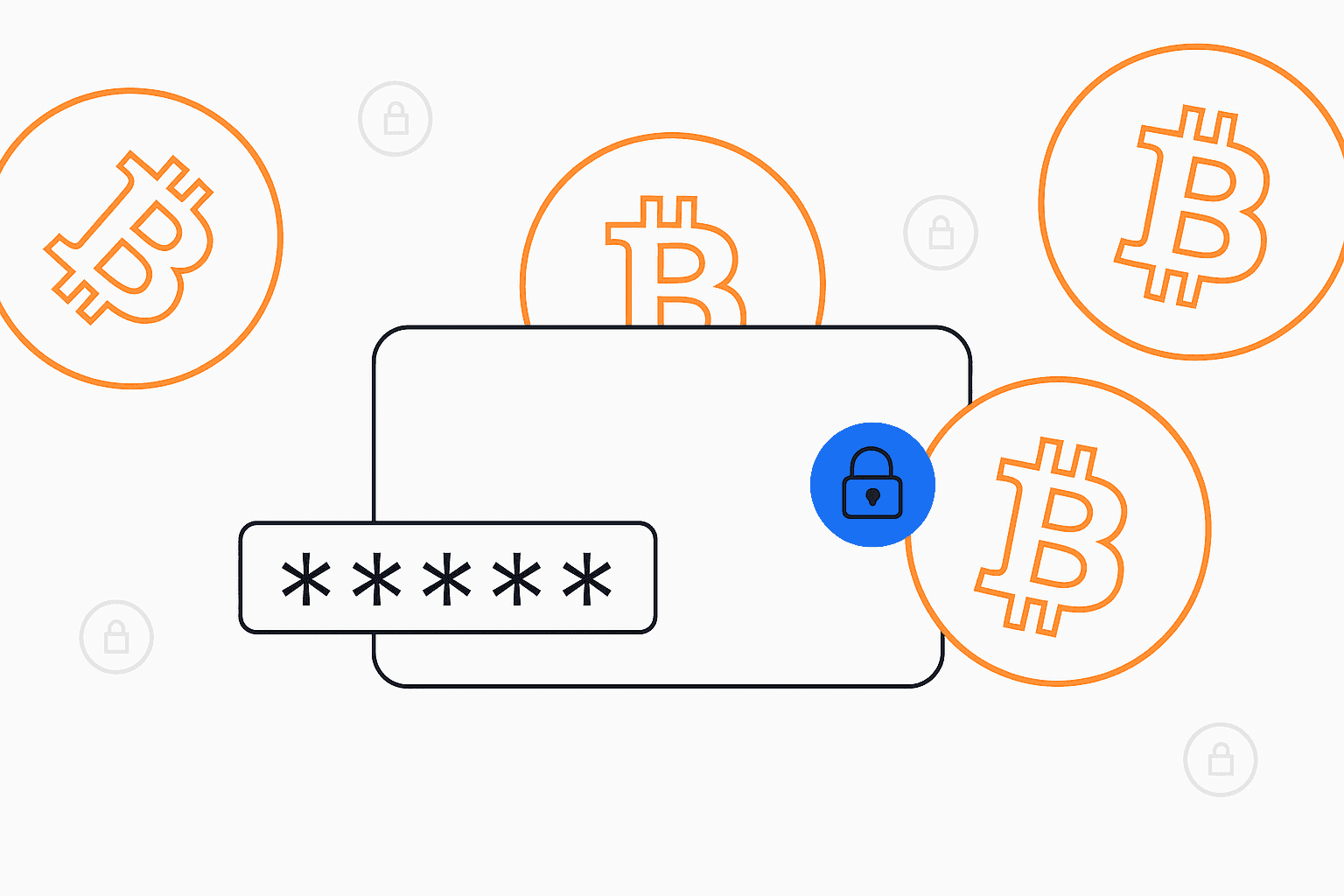
A Bitcoin wallet is not like a physical purse that holds “coins.” Instead, it is software or a device that manages the cryptographic keys used to control funds recorded on the blockchain. Through a wallet interface, you can initiate sends, display a receiving address, and view balances—without interacting directly with the blockchain’s raw data.
- Using a public receiving address that others can copy or scan to send BTC.
- Safeguarding the private key required to authorize transactions.
- Providing an interface for tracking balances and managing crypto activity.
Wallets commonly appear as apps for mobile or desktop, hardware devices kept offline, or backups you can store manually for long-term recovery.
What a Bitcoin Address Means
A Bitcoin address functions as a destination label: a unique alphanumeric string derived from a public key. It allows others to send you BTC while keeping the private key secret. In everyday terms, it plays a role similar to a bank account number, but with the important difference that Bitcoin addresses are designed for on-chain transfers rather than account access.
How a BTC Address Works on the Blockchain
- From a public key, the protocol derives an address in a particular format.
- A sender uses that address to route BTC to the recipient.
- After the transaction is broadcast, a block explorer can show status and confirmations.
- When you want to spend funds later, your private key is used to authorize the transaction.
Because every confirmed transaction is written to a public ledger, records are persistent and can be verified by anyone who follows the address activity.
Is Sharing a BTC Address Safe?
For incoming payments, it is generally safe to share your public receiving address. The risk comes from exposing secret material: if your private key is revealed, control of the funds tied to it can be lost. Public addresses do not, by themselves, provide spending authority.
Types of Bitcoin Addresses and Address Format
Bitcoin has several address formats in parallel, each with different characteristics and typical fee behavior. The four families below are the ones most users encounter.
- Legacy (P2PKH) — Typically starts with 1 (example pattern 1xxxx). This older format often uses more data in transactions, which can translate into higher fees during congestion.
- Compatibility (P2SH) — Typically starts with 3 (example pattern 3xxxx). It supports scripts such as multi-signature while staying broadly compatible with older systems.
- SegWit (P2WPKH) — Typically starts with bc1q (example bc1qxy2kgdygjrsqtzq2n0yrf2493p83kkfjhx0wlh). By reducing transaction data weight, it can help reduce fees and confirm efficiently during busy periods.
- Taproot (P2TR) — Typically starts with bc1p (example bc1p0tr9u7c0m7r3p5u2k4h0s9n2y6f8a9l3m2dn0w). This newer upgrade improves privacy properties and enables more advanced scripting.
How to Get a BTC Wallet Address
The method you choose depends on where you manage your keys. Below are three common approaches—an app, a hardware device, and an exchange account—that reflect how many users interact with BTC receiving workflows today.
1. Using a Crypto App (Software Wallet)
Software wallets are designed for speed and convenience. Examples include a well-known multi-chain mobile wallet, desktop clients used by power users, or wallets integrated with larger platforms. Many also generate receiving addresses automatically when you open the Receive section.
Steps to generate a receiving string:
- Install a wallet app you trust and complete the initial setup.
- Create a new wallet profile and securely store the recovery seed phrase.
- Open the Receive screen in the wallet.
- Copy the address or display a QR code so the sender can scan it.
- Share the address with the payer to receive BTC to your balance.
2. Using a Hardware Wallet (Cold Storage)
Hardware wallets keep private keys isolated from the internet, which can reduce exposure to certain online threats. Typical setup includes initializing the device, creating or importing an account, and connecting to a companion application for address display.
Steps to display a fresh address:
- Initialize the device using the manufacturer instructions and store the seed phrase securely.
- Create or import an account and confirm the seed words on the device screen.
- Connect to the companion app (for example, Ledger Live or Trezor Suite).
- Select Receive and verify the displayed address on the device.
- Use the QR code or copy the string to accept funds.
3. Using a Crypto Exchange (Custodial Wallet)
Exchanges can provide deposit addresses for supported assets. In this setup, the exchange controls the private keys, so your balance is managed under their custody rules. Many platforms also require you to select the network or confirm deposit details before funds move.
Steps to obtain a deposit address:
- Sign in to your exchange account.
- Open the Wallet or Deposit section.
- Select BTC as the asset you want to add.
- Copy the generated address or scan the provided code.
Note: With a custodial account, the provider controls private keys. If you want full control over funds, you typically need a non-custodial wallet app or a hardware device.
Best Practices for Managing Your Wallet Address
- Use different receiving addresses when the wallet supports it to reduce address reuse and improve privacy.
- Turn on two-factor authentication for the wallet app where available.
- Keep your private key secret and never share it with anyone.
- Back up the seed phrase offline and store it securely in more than one safe location.
- When sending or receiving, double-check the destination characters to avoid transcription errors.
Whether you use software, hardware, or an exchange, knowing how addresses are generated and handled can lower the chance of loss due to mistakes or unsafe practices.
Use a Bitcoin Address for Payment
To pay someone, you enter their destination address in the Send flow, choose the amount, and confirm the transaction. Because blockchain transactions are effectively irreversible, verify the address carefully—especially the first and last characters—before approving. To receive BTC, share your receiving address or a QR code so the payer can use it in their wallet.
Many modern wallet interfaces use QR codes to reduce manual entry. This can help both individuals and merchants complete payments with fewer errors and faster confirmation of details.
Sending BTC: Step-by-Step Guide
- Open your wallet app on phone, desktop, or your hardware device.
- Paste the recipient’s address or scan their QR code to fill the destination field.
- Select an amount to send based on your available balance and applicable fees.
- If supported, adjust the network fee to target faster confirmation.
- Review all details and approve the transaction request.
- Track confirmations via transaction history or a blockchain lookup.
Receiving BTC: Step-by-Step Guide
- Open your wallet and navigate to the Receive panel.
- Copy the receiving address or display the QR code for the sender.
- Share it securely and wait for the sender to broadcast the transaction.
- Confirm arrival by checking your wallet and, if needed, using a block explorer.
- For large transfers, verify sender details and amount before finalizing anything off-chain (if applicable).
Security Tips for BTC Wallets
Strong habits matter when setting up or importing a wallet. Focus on protecting the wallet login, keeping private keys safe, and maintaining an offline recovery option so you can regain access if a device is lost or fails.
Essential steps to stay secure:
- Use strong, unique passwords and enable two-factor authentication when possible.
- Keep private keys offline via a hardware device or a securely stored backup.
- Install wallet software only from trusted sources to reduce the risk of malicious replacements.
- Rotate receiving addresses instead of reusing one address when privacy is a concern.
- Keep wallet software updated to address security patches and improve compatibility.
These practices help reduce exposure to common threats and limit the impact of user mistakes.
How to Keep Your Private Key Safe
- Never share the private key; legitimate services do not need it to operate.
- Prefer offline storage methods such as a hardware device or paper backup.
- If stored digitally, encrypt the data and restrict access with strong controls.
- Maintain duplicate backups in separate, secure locations.
- Avoid entering sensitive information on unknown or suspicious sites to reduce phishing risk.
Protecting the private key helps preserve your control over funds recorded on the blockchain.
Common Scams and How to Avoid Them
- Phishing pages and emails — Verify the URL and never enter credentials based on unsolicited messages.
- Giveaway and “double BTC” offers — Promises of guaranteed returns are a common scam pattern.
- Impersonation pressure — Fake support accounts may try to push you into sharing secrets; do not share keys.
- Ponzi-style investment claims — Guaranteed returns usually indicate fraud; avoid and report them.
- Clipboard or swap malware — Some threats replace copied addresses, so confirm critical characters before sending.
Stay skeptical, verify sources independently, and keep sensitive information private.
Custodial vs. Self-Custody Wallets on Your Platform
When choosing a receiving setup, consider who controls the private key. Custodial options manage keys for you, while self-custody places key ownership in your hands.
- Custodial option — Keys are managed by an exchange or service; it can be convenient but reduces direct control.
- Self-custody option — You manage the keys; this provides stronger ownership but requires responsible security practices.
Custodial: Pros and Cons
- Pros: Setup can be easier since you do not manage keys directly; account recovery and support are typically available.
- Cons: You rely on third parties, which introduces risk from operational issues, policy changes, or service restrictions.
Self-Custody: Pros and Cons
- Pros: You control your keys and generally have stronger privacy; fewer third-party dependencies.
- Cons: If the seed phrase is lost, access is lost; beginners may need time to learn safe backup practices.
FAQ
Is sharing a receiving string okay? In general, yes—public addresses are meant for deposits. However, address activity is visible on-chain, so privacy still depends on how you manage and rotate addresses.
Why do some apps show a different destination each time? Many wallets generate fresh receiving addresses after use. Older addresses may still accept deposits, but the Receive tab will show the current one.
Can someone drain funds with only a destination string? No. An address alone does not grant spending access. Criminal attempts usually rely on tricking you into disclosing private keys or credentials.
Do Bitcoin addresses expire? Standard Bitcoin addresses do not expire by time. Some custodial systems may use temporary deposit routes, so confirm the deposit details before sending funds.
Public key versus private key explained: the public key is used to derive your address for receiving, while the private key authorizes spending. Losing the private key means losing control over the BTC associated with it.
Wallet, address, and key — how they relate: the wallet software manages keys; the address is what others use to send BTC; the private key is what signs spending transactions. If you want to verify payments, you can track address activity using a block explorer with the public address.