Crypto wallet strings are notoriously hard to recall. Unless traders have near-perfect memory, remembering each alphanumeric wallet ID is unrealistic. These long addresses work well for secure peer-to-peer transfers on a blockchain, but they make everyday payments stressful, are awkward to share, and tiny typing errors can permanently send tokens to the wrong place. If you have wondered about the meaning of ENS in crypto, this is the problem it set out to solve.
To make sending and receiving digital assets simpler, new naming systems shorten and humanize wallet identifiers. With more than 2.8 million names registered in 2022, the Ethereum Name Service (ENS) has emerged as a leading Web3 naming system. Below, we unpack what ENS is, how it operates, and why it helps push Web3 toward mainstream use by improving usability, enabling a portable on-chain identity, and making it easier for apps and wallets to interoperate without copying and pasting long addresses.
Human-readable names reduce errors and friction in self-custody, which is a practical step toward bringing more people into everyday Web3 use.
Ethereum Name Service (ENS): What It Is
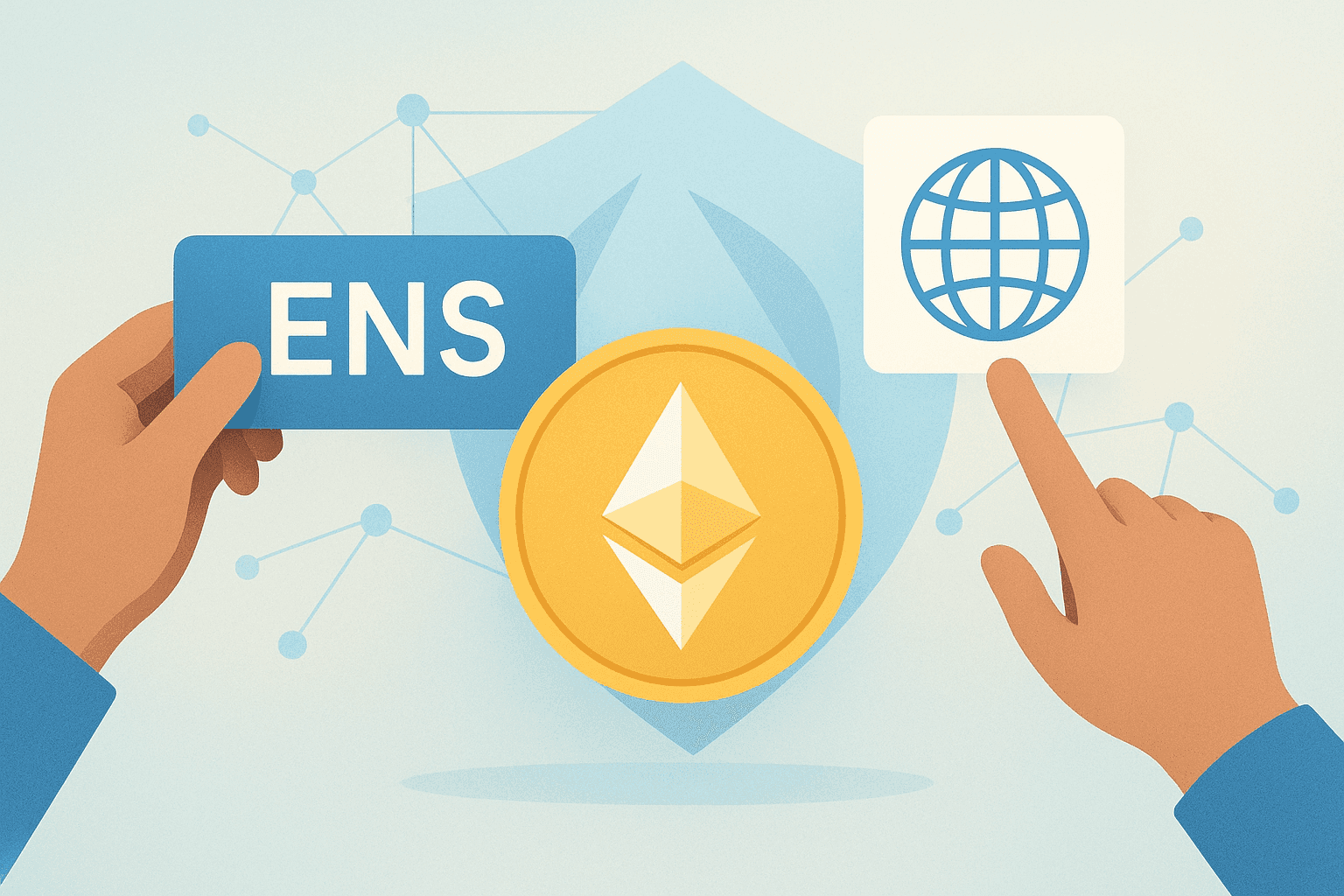
ENS is a decentralized naming system that lets people create readable domain names for blockchain resources such as crypto wallets, decentralized applications (dApps), smart contracts, and websites. Its main purpose is to simplify blockchain interactions by replacing long, complex addresses with a human-readable name people can share and recognize.
Much like the Domain Name System (DNS) links easy site names to IP addresses, ENS maps friendly identifiers such as to complex Ethereum (ETH) wallet addresses that are typically 42 characters long.
Owners can point one ENS name to multiple blockchain addresses, mint subdomains, and transfer their ENS domain like a digital asset. Common benefits and use cases include simplified payments, consistent naming across apps, identity and branding (for individuals, creators, and DAOs), subdomains for teams or communities, and using a single name as a profile-like identifier in compatible dApps. While “.eth” is the native suffix, ENS can also work with DNS names such as “.com” or “.org” when those domains are imported into the ENS registry.
How ENS Domains Work
Under the hood, ENS relies on a smart contract registry that records who controls each name. To get a name, users register it directly or bid if it is in an auction. Ownership changes are recorded on-chain in the registry, while resolver contracts translate human-readable names into machine-friendly crypto addresses, similar to how DNS servers resolve queries.
Together, the registry and resolvers enable a trust-minimized naming system on Ethereum without a central operator. Each ENS name is also an NFT, which makes it straightforward to trade and verify ownership on a smart contract blockchain. Unlike fungible cryptocurrencies such as Bitcoin (BTC), NFTs carry unique metadata and distinct token identifiers.
ENS is secured by Ethereum’s security model because core ENS components (like the registry and resolver logic) live on Ethereum as smart contracts, and updates to records are enforced by on-chain transaction rules. Like any smart contract system, security also depends on careful contract design and review, including audits and ongoing monitoring by the broader ecosystem. For users, best practices include using the official ENS app interface, double-checking the exact name before confirming changes, being cautious with approvals and “set as operator” permissions, and protecting the wallet that controls a name with strong operational security (for example, using a hardware wallet for high-value names).
DNS vs. ENS: Key Differences
ENS borrows the core idea of naming from DNS but replaces centralized control with Ethereum’s decentralized infrastructure.
With DNS, people rent domains through centralized registrars. With ENS, they register names via a protocol on Ethereum and hold that name as NFT-linked metadata until expiry or renewal.
It also helps to separate ETH from ENS: ETH is Ethereum’s native cryptocurrency used for paying gas fees and sending value, while ENS is a naming protocol that runs on Ethereum and points human-readable names to blockchain data such as wallet addresses.
ENS additionally unlocks Web3-native features, including crypto transfers, dApp integrations, and other decentralized services. By contrast, DNS primarily serves Web2 needs: converting IP addresses into human-friendly domains for general browsing.
ENS Token: What It Is and How Governance Works
In November 2021, the project launched a fungible cryptocurrency called the ENS token. Holders of ENS names before October 2021 could claim an airdrop, while the remaining supply was allocated to core contributors and a community treasury.
The airdrop distributed a total of 25,000,000 ENS tokens. Eligibility was tied to having held an ENS name before the snapshot period, with allocations generally increasing for longer-term ownership and additional on-chain signals of usage (such as setting an ENS name for the wallet). In practice, the number of tokens received varied widely, ranging from roughly around 100 ENS for smaller or newer holders to thousands (and potentially more) for long-time users with multiple names and more activity.
ENS tokens power decentralized governance. Token holders can propose upgrades and vote in the project’s DAO. Beyond submitting proposals and voting directly, holders can also delegate voting power to other addresses and participate in DAO-led funding decisions, such as grants and ecosystem initiatives. Although the airdrop window has closed, ENS trades on many centralized and decentralized exchanges for those who want to participate in governance.
To see active markets, look up ENS on a crypto price aggregator such as CoinMarketCap and review the Markets section for available trading pairs.
ENS Registration 101: How to Get a Domain
Registering an ENS name involves a few technical steps, but the official app streamlines search, bidding, and management. If you already use NFTs or DeFi, the flow will feel familiar. If not, follow these five steps.
| Wallet Name | Type (Browser/Mobile) | Supported Platforms |
|---|---|---|
| MetaMask | Browser/Mobile | Chrome, Firefox, Brave, Edge; iOS, Android |
| Coinbase Wallet | Mobile | iOS, Android |
| Trust Wallet | Mobile | iOS, Android |
| Rainbow Wallet | Mobile | iOS, Android |
- Download an Ethereum crypto wallet. Because ENS runs on Ethereum, you need an ETH-compatible wallet to purchase and hold the ENS domain NFT. Check the list of supported wallets on the ENS website and install one on your phone or computer.Wallet NameType (Browser/Mobile)Supported PlatformsMetaMaskBrowser/MobileChrome, Firefox, Brave, Edge; iOS, AndroidCoinbase WalletMobileiOS, AndroidTrust WalletMobileiOS, AndroidRainbow WalletMobileiOS, Android
- Send ETH to the crypto wallet. After setup, acquire Ether (ETH) via a fiat on-ramp in your wallet or transfer it from an exchange to your wallet’s ETH address. All ENS actions occur on Ethereum, so fees and purchases are paid in ETH. Be sure to factor in prevailing gas fees before you register.
- Connect to the official ENS app. Go to , select Connect in the top-right corner, and choose your wallet. Approve the prompt to link your account.
- Search for an available ENS domain and review the terms. Use the search bar to find a name available for purchase or auction. If a name is taken, note its expiration in case it becomes available later. For open names, review the price, gas costs, and desired registration period, then proceed. Confirm the transaction in your wallet, sign, and wait for Ethereum confirmation.
- Manage ENS domain settings. Once registered, configure records in the ENS app. Beyond wallet addresses, you can attach details like an email, website, or social profiles. Explore Settings to discover all customization options for your name.