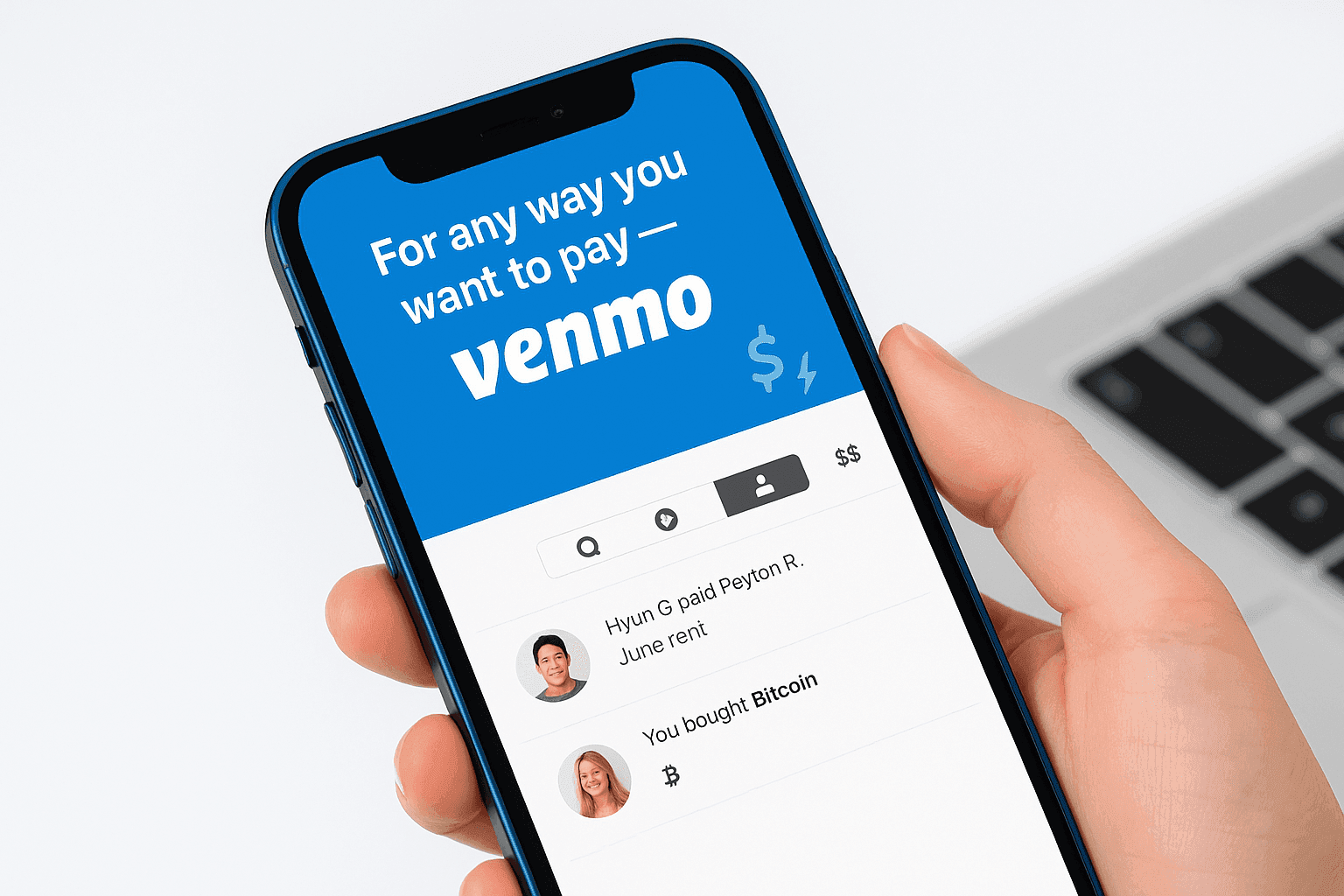
Venmo is often used for quick person-to-person payments, such as splitting a bill or paying a roommate. Linking a funding source to your profile can enable fast transfers to other Venmo users. The money you send can later be moved back to your bank or used for purchases with eligible merchants, including large online retailers such as Amazon. People also ask about crypto within the app—specifically whether Venmo sends bitcoin—and how that capability fits alongside standard payments and other digital-asset tools. In general, the app is designed to keep day-to-day exchanges simple, and you can choose to leave funds in-app or move them out to your bank when you prefer.
Since 2021, Venmo has expanded beyond traditional payments by adding features for managing digital assets. The app lets you buy cryptocurrencies such as bitcoin, Ethereum, Litecoin, and Bitcoin Cash, and then sell and hold supported assets within the Venmo experience. Tools such as Cash Back Crypto (connected to the Venmo Credit Card) and optional price alerts are intended to help you monitor changes in value. In-app educational prompts describe what each asset is and how pricing works, with the reminder that crypto values can move quickly in either direction. As with any digital asset, it’s generally important to only use funds you can afford to lose.
Transferring coins is straightforward when both sides use Venmo. Sending to an external wallet may be possible, but it typically involves more steps, additional exposure to risk, and potential fees. Follow the on-screen prompts carefully, since you’ll be asked to confirm key details before the transfer is completed.
Transfer Crypto With Venmo in a Few Taps
If crypto is available in your Venmo account, moving it to another Venmo user or to a PayPal wallet is typically handled with the same tap-based flow as other in-app transfers. Open the app, select the Crypto tab, choose the asset you want to move, and then use the transfer option to view your choices. Venmo shows balances alongside current pricing so you can see what you’re transferring in real time. When you hold multiple assets, the selection screen displays each balance and its recent movement, which can make choosing easier.
Use Send to enter the amount and select the recipient, then confirm to submit the transaction. For transfers that stay within the PayPal–Venmo network, fees are not applied; for transfers outside that network, costs and requirements can differ, depending on the destination. Usernames, initials, and profile photos are shown to help you pick the correct recipient before sending.
Receive Crypto to Your Venmo Wallet
When you choose Receive, Venmo provides a QR code that others can scan to copy your wallet address. That precision matters because once an asset transfer is broadcast to the network, it can’t generally be reversed or canceled. If you’re not fully confident about the address or process, consider testing with a small amount first before sending a larger balance. How quickly funds arrive depends on network congestion and the fees in place at the time of the transfer.