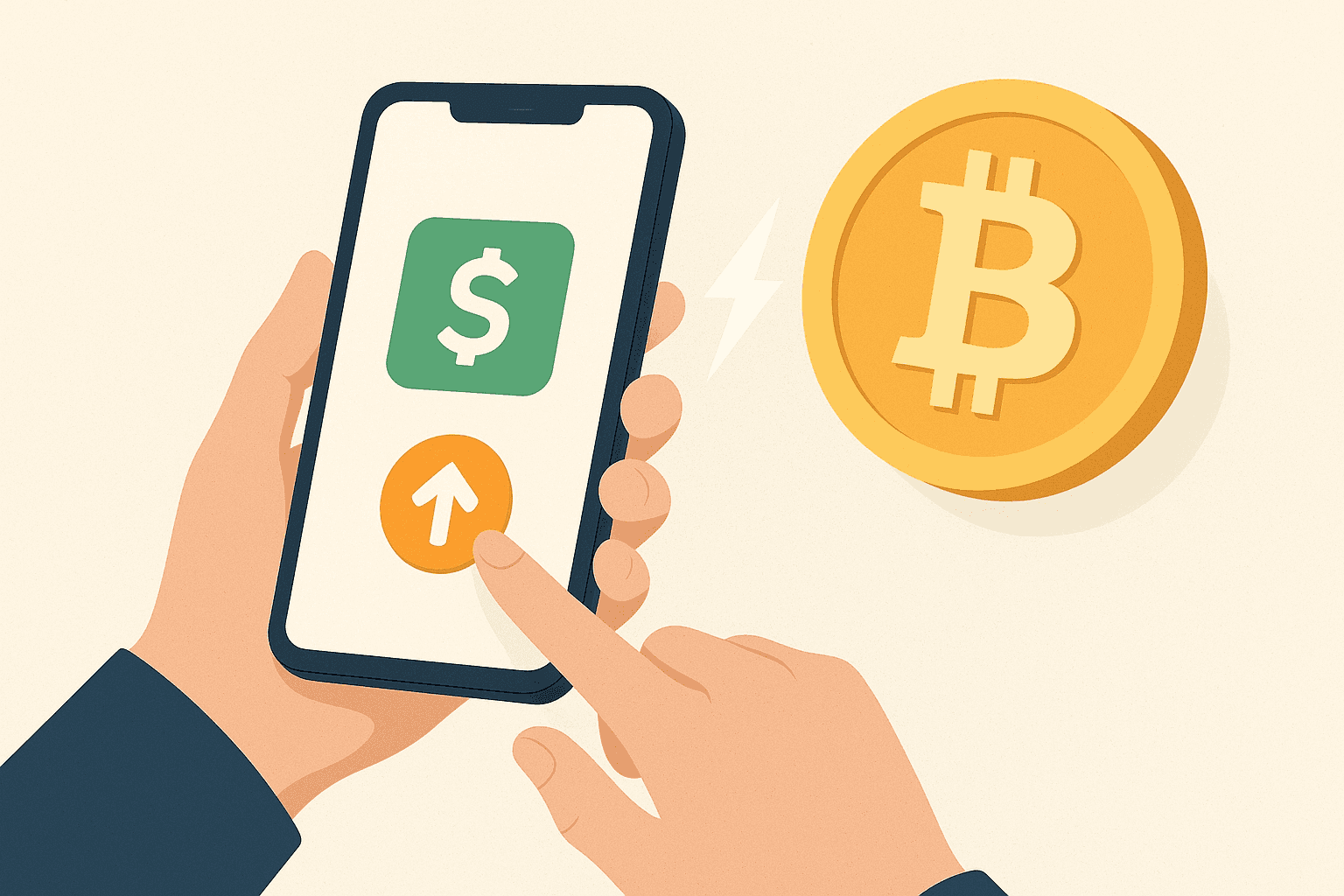
For people new to crypto payments, the steps can feel unclear at first. This guide walks through the main flow in plain language, including how to send bitcoin on Cash App and what to check so each transfer goes through as intended.
Cash App is built for everyday mobile use, and BTC transfers are designed to be straightforward. In the app, you can send bitcoin to a $cashtag, a mobile number, or an email address in a few taps. Depending on how the transfer is routed, you may see settlement through the main blockchain or via the Lightning network, which can be faster for many small transfers. The outline below covers the end-to-end steps and practical checkpoints for tracking a transfer.
Step-by-Step Guide: Send Bitcoin on Cash App
When you send BTC through the app, the transfer is between you and the recipient—no separate third party is needed for the exchange itself. If you’re using Cash App to move bitcoin, follow the steps below to complete the transfer.
- Get Set Up: Install the Cash App mobile app, create your account, and link a debit card or bank account if you plan to buy bitcoin.
- Open the BTC Screen: Use the bottom navigation, tap Investing, and select Bitcoin to access BTC tools.
- Choose the Send Option: Select Send to start a transfer.
- Add the Recipient: Enter the recipient’s $cashtag or select a saved contact. Double-check the handle or contact details before continuing.
- Set the Amount: Choose the BTC amount to send. If you enter a local-currency value, the app will calculate the equivalent in bitcoin.
- Select the Network Rail: Pick on-chain for standard settlement or Lightning for faster delivery, depending on what the app offers and what you need.
- Review and Approve: Confirm the recipient details, the BTC amount, and any displayed transaction information, then approve to proceed.
- Finish the Transfer: After approval, the app will process the request and show a confirmation when it’s complete.
Whether you’re on iOS or Android, the overall workflow stays consistent, though menu labels and screens can vary slightly by app version and device.
Cash App Limits for BTC Transfers
Cash App applies sending and receiving thresholds that can depend on your account and the time period. Checking these limits helps you avoid interruptions when you try to send or receive bitcoin. Use the steps below to view the current caps shown for your account.
- Open the Cash App mobile application and sign in.
- Tap your profile icon in the upper-left corner.
- Select Cash Support from the menu.
- Search for “Limits” and open the relevant result.
- Review the weekly and monthly caps for sending and receiving.
- Track your activity to stay within the caps applicable to you.
Using Cash App for Bitcoin: Is Verification Required?
Yes. Cash App requires identity verification before you can send or otherwise transact in BTC. You may be asked to provide your legal name, date of birth, and additional personal information (for example, the last four digits of your Social Security number). In some cases, a photo ID—such as a driver’s license—may be requested to complete verification.
These checks are designed to comply with financial regulations and to improve account security.
How Bitcoin on Cash App Works
Cash App lets you buy and sell bitcoin, send and receive BTC, and—where available—set up automatic investing that can round up eligible Cash Card purchases into recurring buys.
When it comes to withdrawals and moving funds, you can generally choose between faster and more standard settlement paths. Lightning-based transfers are often near-instant and may have lower costs for smaller amounts, while main-chain transfers follow typical confirmation times.
Crypto Tax: Cash App BTC Transactions May Be Taxable
Using Cash App for bitcoin can have tax implications. In many jurisdictions, when you dispose of bitcoin or exchange it for something else, the transaction can be treated as selling a capital asset, meaning any net gains may be subject to capital gains tax. Rules vary by country and personal situation. For jurisdiction-specific guidance, consult relevant crypto tax resources, and consider using a tool like Koinly by importing a CSV export of your Cash App activity to help track reported transactions.