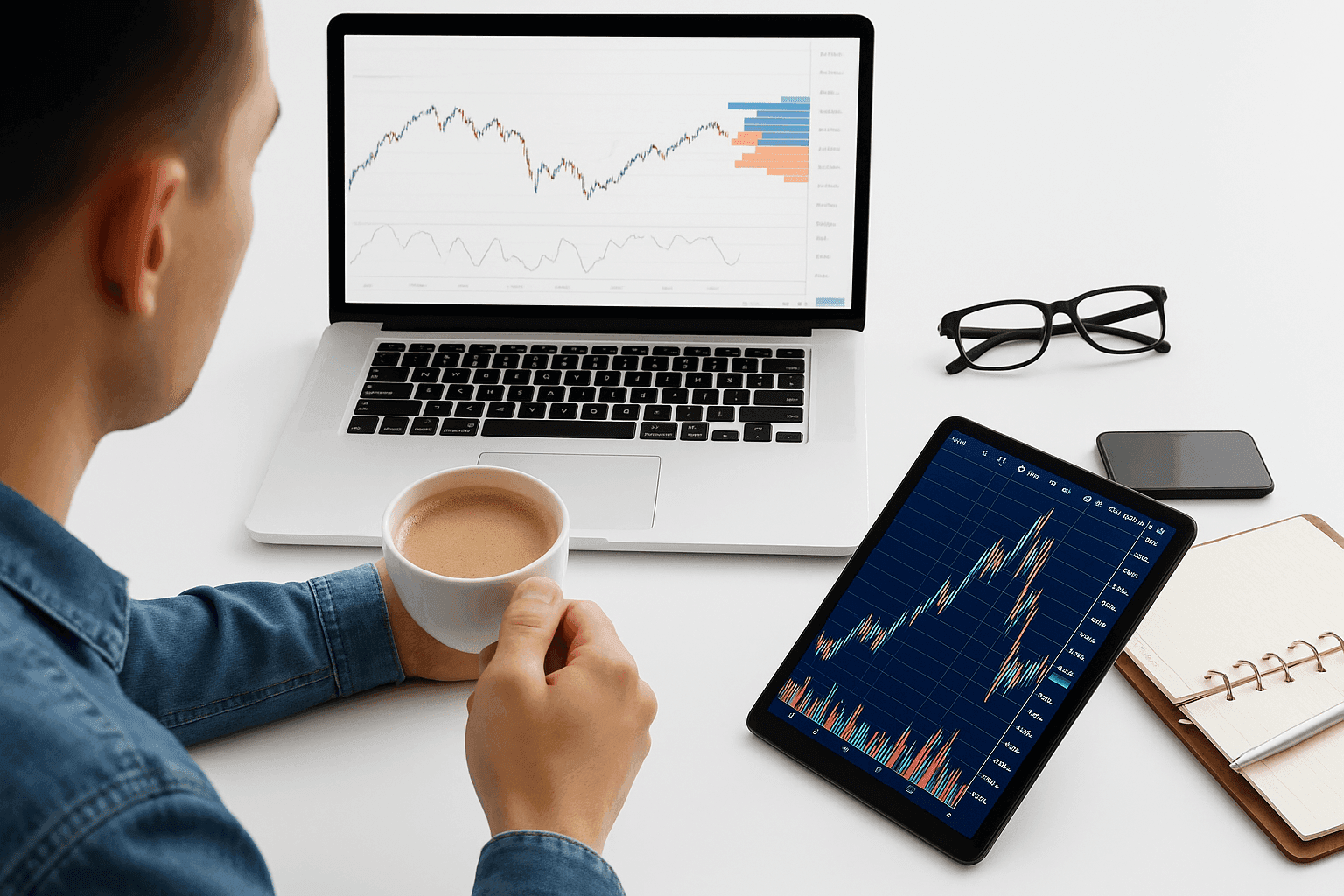
Shopping around for stock-trading education often means wading through competing strategies and mixed advice. A stock trading simulator can reduce the cost of learning by letting you practice in a realistic environment without using real money. Many people use simulators for weeks or months before placing their first live trade.
Once you move to live trading, the amount of information can be overwhelming. Even with a plan, a defined approach, and a short watchlist of stocks, outcomes are not guaranteed—particularly at the start, when execution and risk control are still being refined.
A simulator helps you test your playbook—entries, exits, and risk limits—before those decisions affect real capital.
Virtual trading platforms typically use simulated funds and provide a way to place trades using market-like pricing and order tools. In practice, this helps you rehearse execution, compare results against your rules, and identify where your process breaks down. Depending on the platform, you may also be able to review order fills, track performance metrics over time, and experiment with different position sizes and risk rules—without the risk of a real account drawdown.
What Is a Trading Simulator?
A trading simulator is a practice environment designed to imitate market activity using a “paper” account. You can usually view prices, charts, and order interfaces similar to those in a brokerage app, then place simulated trades to see how orders would have behaved given the available data. This is often called paper trading.
The key difference is that the simulator uses virtual balances. Live trading uses your actual money, so errors directly affect your account. In a simulator, profits and losses are not withdrawable and exist only for learning and evaluation. That also means you should treat simulator results as guidance for process—not as proof that a strategy will perform the same way with real money and real emotional pressure.
Most simulators provide real-time or near real-time price feeds, which lets you practice timing, order execution, and risk management as market conditions change. This is useful for building consistency and stress-testing how your rules hold up across different scenarios—such as volatile openings, sharp reversals, or extended trends.
If your method produces stable outcomes in the simulator, that can be a reason to study it more closely and consider transitioning to live trading in a controlled way. If performance is weak, the simulator still serves a purpose: you can adjust your rules, revisit your assumptions, and repeat the testing cycle.
One risk-management guideline you may hear about is the “3 5 7 rule” for stocks. In many descriptions, it refers to using three percentage thresholds to define behavior—for example, cutting losses within a lower band (often around 3%–5%) and targeting a higher gain level (often around 7%). Exact interpretations differ by trader, but the general idea is the same: decide rules in advance and evaluate how consistently they perform. A simulator is an appropriate place to compare variations of such rules across different market conditions.
Practice platforms may support multiple asset classes, including stocks, options, forex, exchange-traded funds, and sometimes futures or commodities. Availability can vary by provider, and the experience might be offered through a web interface, a downloadable desktop application, and/or a mobile app.
Some experienced traders also use simulators to validate adjustments to systems they already use in live markets, checking whether changes improve execution quality or risk behavior before committing new capital.
The Best Trading Platforms That Let You Simulate Trading
A range of simulation tools are available, including free options. Some are provided by brokerages as part of their trading platforms, while others are offered by education providers, data vendors, or automation services that focus on practice and skill-building. Not every simulator is fully free—some may require an account, a subscription, or meeting certain eligibility conditions. Also, even when a platform appears to use live pricing, some simulations rely on delayed data depending on the asset and the product.
| Platform | Key Features | Asset Classes Supported | Cost | Platform Availability |
|---|---|---|---|---|
| thinkorswim by TD Ameritrade | Pro-grade tools, strong charting, paperMoney simulation | Stocks, ETFs, currencies, options, futures; Bitcoin mentioned | No cost to access practice workspace | Not stated |
| Pilot Trading | Algorithmic signals with a scoring system; paper environment | Stocks, commodities; cryptocurrency venues mentioned via partners | Not stated | Not stated |
| TradeStation | Powerful active-trader platform with simulator | Stocks, options, currencies; crypto on live side (not in paper account) | Free with activity/balance conditions | Mobile app mentioned |
| NinjaTrader | Day-trading tools; replay/backtesting; automation support | Stocks, options; crypto mentioned | Free to try | Desktop download required |
| Warrior Trading | High-quality simulator; granular reporting; Level 2 Quotes | Not stated | Not stated | Not stated |
| Wall Street Survivor | Game-based learning; investing simulator | Stocks; futures and options mentioned | Not stated | Not stated |
| MarketWatch | Games; expanded quote context; tools and screener | Not stated | Not stated | Not stated |
| Bear Bull Traders Simulator | Customizable layouts; training program with simulator | Not stated | Not stated | Not stated |
1. thinkorswim by TD Ameritrade
TD Ameritrade’s thinkorswim is widely used by active traders. Its paperMoney simulation is built to let you practice the same kind of workflow you would use with live orders.
You can run practice ideas across multiple instruments using professional charting and order tools.
In many cases, you can access the practice workspace without opening a brokerage account.
Charts
Charting is a central part of thinkorswim. The platform provides a large library of technical indicators and a layout designed for quick analysis, along with tools commonly found in broker-style trading software. Typical features include multiple order types, watchlists, portfolio and position tracking, trade history, stop-based risk controls, and market-related feeds, depending on what the platform offers in practice mode.
A Wide Range of Assets
If an instrument is available for live trading on thinkorswim, paperMoney often allows you to rehearse it in the simulator.
That can include stocks, ETFs, currencies, options, and futures. The platform has also included Bitcoin trading, with further crypto coverage depending on updates to access and offerings.
Long and Short Trading Strategies Supported
The simulator supports both long and short selling, so you can test how your rules behave when prices rise and when they decline.
Stock Screener
To test strategies, you need a repeatable way to find candidates. The built-in stock screener can help filter tickers using metrics such as growth measures, valuation ratios, and volume.
Ease of Use
Thinkorswim packages many tools in a single interface. For new traders, the challenge is learning the layout and settings; for experienced traders, the benefit is having trading, analysis, and practice capabilities in one place.
2. Pilot Trading
Pilot Trading is positioned around algorithmic signals and an accompanying paper environment. Rather than focusing on manual chart interpretation alone, it provides a structured output that users can evaluate against their own discipline and execution habits.
The platform produces a numeric score intended to summarize the signal output.
To support practice before live execution, Pilot offers a realistic paper environment. Highlights include:
Easy-to-Understand Signals
Signals are presented as a numeric score and a set of component indicators. The platform’s design aims to help you interpret the signal as a combined result of several algorithmic inputs, rather than a single factor.
Simple Trading Platform
The interface is designed to keep attention on following signals and evaluating whether trades align with the intended process.
Supported Brokers
When you transition beyond simulation, you may be able to connect with partner broker platforms covering stocks, commodities, and related markets.
3. TradeStation
TradeStation is commonly used by active traders and offers a simulator alongside its live trading environment. Access can depend on maintaining activity or meeting balance-related requirements after account setup.
If you trade actively, the demo environment is designed to help you validate the way you enter, manage, and exit positions before risking funds.
Reasons to try the simulator include:
- Access to Cryptocurrency: TradeStation supports digital assets on the live side. As described for the practice environment, cryptocurrencies are not available inside the paper account.
- Trading Tools: Practice mode is intended to mirror the live suite, including detailed charts and flexible indicator options. Some users also benefit from being able to compare behavior between sim and live contexts.
- Community Forums: Many learners find value in community discussion, especially when questions are about execution, risk, and how to apply strategies to different instruments.
- An Intuitive Mobile App: Live and simulated accounts are accessible through a mobile app, which can be useful for monitoring strategies while away from a desktop setup.
4. NinjaTrader
NinjaTrader targets active traders, including those who day trade. Its simulator lets you stress-test tactics using virtual dollars rather than real cash.
The main trade-off is that the software is typically downloaded rather than run purely in a browser.
Standout features include:
- Turn the Clock Back: A key benefit is the ability to replay historical data for backtesting and simulation-style evaluation.
- A Robust Set of Tools: The platform includes charting, an indicator library, and support for automated strategies, with the practice toolkit designed to resemble the live environment.
- Stock Screener: An internal scanner can help surface trade ideas that match your criteria.
- Trade Cryptocurrency: The broader ecosystem can include digital-asset-related practice alongside more traditional markets, depending on the configuration.
5. Warrior Trading
Warrior Trading is an education and signal service that provides a practice environment. The simulator is often used for learning process, refining setups, and reviewing outcomes with detailed reporting.
Whether you are starting out or improving a specific angle, the simulator framework supports analysis of how different components contribute to results.
Advanced Reporting Metrics
Reporting is designed to help you review win rates, setups, and conditions to understand what is working and what is not.
Simulate Current Market Conditions
The simulator includes Level 2-style market depth inputs to approximate order-flow behavior more closely than basic price charts alone.
A Compelling Trading Experience
Warrior Trading is not presented as a brokerage. Its model is based on education and signals, which may influence the way the simulator is structured around its learning content.
Made for New and Experienced Traders
The practice account is designed to be approachable for beginners while still offering features that more experienced users can leverage.
6. Wall Street Survivor
Wall Street Survivor is an educational platform that uses game mechanics to teach practical money habits. Its simulator uses virtual funds so you can practice without real-world risk.
It can be a useful option when you want to practice trading concepts while also reinforcing broader financial planning decisions.
Trading Games
The platform supports competition through games or community participation, which can make practice more engaging for some users.
Options Trading
The virtual desk can include options-related trading functions, depending on what the simulator offers in the current curriculum.
Shorting and Covering
Practice can include short-sale scenarios and managing covering decisions to practice navigation during downtrends.
Compelling Charting and Tools
Quality charts and indicator sets help you test ideas in a simulator setting intended to resemble live trading tasks.
7. MarketWatch
MarketWatch, founded in 1997, is a market news and research brand that also offers tools and interactive features.
Its simulator-focused experience is intended to provide practice elements aligned with its quote and research coverage.
Trading Games
You can create or join stock market games to compare performance and decision-making with other participants.
Full Quote Overview
Because MarketWatch is a news and research provider, expanded quote pages can combine pricing context with related headlines and analysis.
Quality Tools
The platform can include charting, indicator sets, commentary, and timely news to support evaluation of practice ideas.
Stock Screener
The screener can help filter stocks and may include premarket and after-hours filtering, depending on the market and the data available.
8. Bear Bull Traders Simulator
Bear Bull Traders offers a simulator as part of a broader training program oriented toward active trading, including day trading approaches.
Courses span from foundational concepts to more advanced tactics, while the simulated environment supports applying lessons without risking funds.
The simulator includes customizable layouts and a set of tools meant for practice and strategy refinement.
Here’s what stands out:
Customize Your Setup to Your Trading Preferences
You can tailor indicators and tools to match momentum, breakout, and other style preferences.
Classes for All Experience Levels
Beginner, intermediate, and advanced tracks are described as a progression from fundamentals to more nuanced execution.
The Platform Can Be Used for Live Trading
When ready, the goal is to let you continue using a similar interface after moving from simulation to live execution.
Compelling Trading Tools
Charts, scanners, and analytics are designed to support testing and iteration of strategies.
Final Word
Simulators are useful for learning how trading works—how orders execute, how your rules perform, and how risk decisions affect outcomes. They let you build process discipline without risking capital, and they can help you practice emotional control by sticking to rules even when market movement is fast.
That said, no two simulators are identical. Some platforms are better suited for active traders, others for more general education, and each has differences in data quality, order-fill behavior, and supported markets.
Expectations matter when you graduate to live trading. Results depend on skill, risk tolerance, position sizing, execution quality, and market conditions. A simulator can help you evaluate your process, but it cannot guarantee that you can consistently achieve a specific daily profit target—whether that’s $100, $200, or $1,000—because trading outcomes are inherently variable.
Because platforms differ, it can be sensible to test more than one simulator, compare how they handle fills, risk controls, and data timing, and then choose the environment that matches your learning needs before you go live.