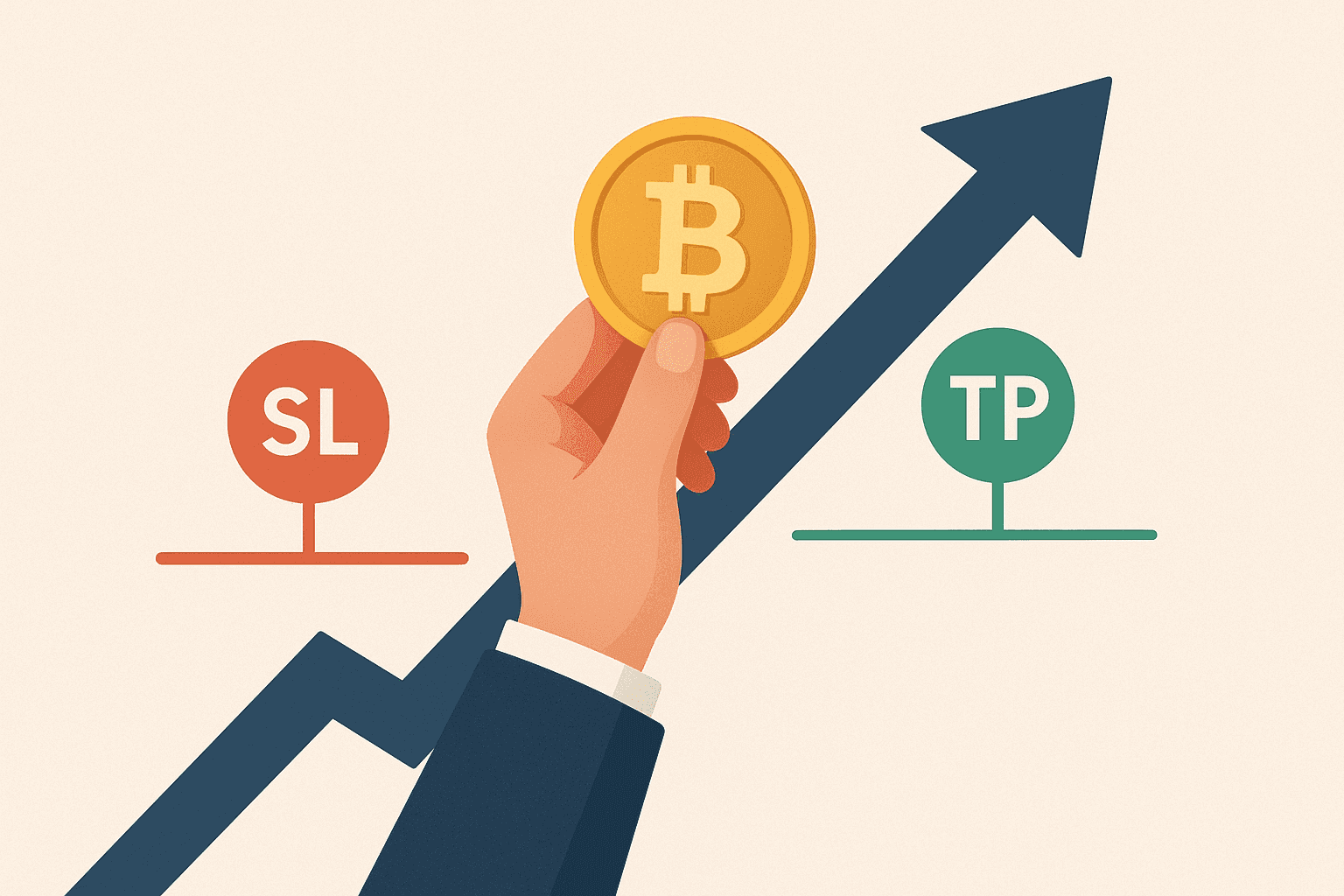
Stop-loss and take-profit orders are exit instructions that tell your platform when to close a position. In crypto markets, equities, or Forex, an SL caps the loss you are prepared to accept on a trade, while a TP secures gains once price reaches your objective. Nearly every trading terminal supports these order types, but using them effectively demands study and practice rather than guesswork.
The Art of Using a Protective Stop
Video Guide: Practical Stop-Loss Placement and Management.
How to Use SL and TP Orders
These tools appear simple, yet mastering them relies on technical analysis, chart reading, and understanding price movement across assets. A winning trade can reverse in seconds, and a small drawdown can escalate quickly. Because of this, protective exits and profit targets are essential risk management, not optional extras.
Protective exits help keep one bad move from turning into a catastrophic loss.
Let your invalidation point, not personal preference, determine where you place exits. Your trading rules decide if a setup is worth taking; they cannot manufacture opportunities that price action does not offer.
On most crypto exchanges, you set SL and TP from the order ticket: choose the order type (such as stop or limit), enter the trigger price (and a limit price if needed), select position size, and confirm. Interfaces differ across platforms—Binance commonly offers OCO and trailing-stop features in one panel, Coinbase typically routes SL/TP through its advanced order form, and Kraken often separates conditional triggers from the execution order—so the labels may change even when the underlying logic is the same.
What an SL Is and How It Works
A stop-loss order predefines the point where your position will automatically close, even if you are away from your device. Once placed, it remains active around the clock, so a sudden move while you sleep will still trigger the protective exit and help safeguard your account.

Common exit types include the following:
| Order Type | Description | Best Use Case |
|---|---|---|
| Stop-Loss Order (Fixed) | Closes the position when price reaches a predefined level. | Clear invalidation point and known risk before entry. |
| Market Stop (Manual) | You close the trade yourself when losses hit your threshold. | Active trade management when you can monitor price closely. |
| Trailing Stop | Automatically moves the stop as price moves in your favor. | Trending markets where you want downside protection without a fixed profit cap. |
Exchanges may also distinguish between stop-market and stop-limit execution. A stop-market triggers a market order once the stop price is hit, while a stop-limit triggers a limit order at your chosen price. For take-profit, platforms often use a limit order (take-profit limit), and some offer paired orders such as one-cancels-the-other (OCO), where hitting the TP cancels the SL (or vice versa).
Fixed Stop Order
This order triggers automatically once price touches your preselected level. Decide placement before entry so you can calculate risk and reward. Stops are typically set at a level that would invalidate the trade idea. For a long setup near a key level, the SL often sits just below that area, anticipating that the level may hold on a pullback. After measuring the distance from entry price to the stop, size the trade so you risk roughly 1% to 5% of your capital.
Market Stop
A market stop is manual liquidation: you close the trade yourself when losses reach a threshold. This approach is risky because open positions can bias judgment. Many newer traders hesitate to accept a loss, hope for a reversal, and end up magnifying damage.
Trailing Stop
A trailing stop adjusts automatically as price moves in your favor, helping lock in profits while limiting downside. It works best in steady, trending conditions and can be vulnerable to whipsaws in choppy, high-volatility markets.
What a Take-Profit Order Is and How to Apply It
A take-profit order does the opposite of an SL: it closes your position once price hits your target, capturing gains automatically. Estimate the likely move over the next session or two and place the TP accordingly. When price reaches that level, the platform exits the trade and books the profit.

There is no universal formula for SL and TP, but many traders aim for a 1:2 risk-to-reward ratio. A 1:1 ratio can also be profitable if your win rate is comfortably above 50%.
Protective Stops vs. Take-Profit Targets
- Protective stop is essential for every trade.
- Chart structure helps determine SL placement.
- TP objectives depend on trend strength and momentum.
How to Place SL and TP Levels
Pinpointing optimal SL and TP levels is challenging. Setting the protective stop is usually more straightforward than forecasting where a trend will stall. Some traders ride trends with only an SL, while others always set a TP as part of a disciplined plan.
Placement hinges on your trading strategy and toolkit. Popular methods include the following:
| Method | How to Use for SL | How to Use for TP |
|---|---|---|
| Support and Resistance | Place the stop beyond a level that would invalidate the setup, not inside the noisy reaction zone. | Target the next major zone where price has previously stalled or reversed. |
| Fibonacci Retracement | Set the stop beyond a retracement level that would signal the pullback has failed. | Use extensions or prior swing levels to project realistic profit targets. |
| Trendlines | Place the stop just beyond the trendline break that negates the trend thesis. | Target the opposite side of the channel or a key swing area along the trend. |
| Multiple Time Frames | Use higher-time-frame structure for the invalidation level and refine entry risk on the lower chart. | Anchor targets to higher-time-frame levels while timing exits with lower-time-frame signals. |
Common SL and TP strategies in crypto trading include using a fixed percentage distance, setting stops and targets from ATR-based ranges, adapting levels to current volatility, scaling out into multiple profit targets, and moving the stop to breakeven after partial profit is secured.
Common mistakes to avoid include:
- Setting stops too tight for the asset’s typical price swings.
- Moving stops impulsively after entry to avoid taking a planned loss.
- Ignoring volatility when choosing trigger distances and position size.
- Failing to adjust levels for changing market conditions, such as range-bound versus trending behavior.
- Overleveraging so normal fluctuations threaten liquidation before your setup can play out.
Fundamental catalysts matter as well. Economic releases and political developments can spark sharp moves that trigger stops, so many traders monitor calendars and avoid initiating positions around major events.
There is no one right answer. The goal is to limit losses while maximizing potential reward for the specific setup.
Adjusting SL and TP should be deliberate and rule-based, not impulsive. Some traders set levels and leave them to reduce emotional interference. Others slide the stop into profit as price advances, protecting gains while giving the trend room to develop.
Key Takeaways: What SL and TP Mean
SL and TP are core risk management tools. You can exit using a fixed stop, a manual market stop, or a trailing stop. In practice, protective stops cap downside risk, while TP targets can be adapted as conditions change. Let the setup dictate order placement and position size—trade the plan, and let results follow.
SL and TP: FAQ
What Are Stop-Loss and Take-Profit in Forex?
The foreign exchange market moves quickly, so use an SL to cap downside and a TP to lock in gains automatically once price hits your target.
How Do These Orders Benefit My Trading?
A stop limits the damage from any single trade, and a take-profit order secures realized gains. Both execute automatically, so you do not need to monitor the screen constantly.
Can I Modify or Cancel These Orders?
Yes, they can be changed or removed. However, live positions create psychological pressure, so plan the trade in advance and follow the plan.
Do These Orders Cost Anything?
The orders themselves are usually free to place, including advanced combinations such as OCO or trailing stops, but execution still incurs the platform’s normal trading fees and any spread or bid-ask difference when the position closes. If you trade with leverage (especially perpetual futures), additional costs can apply, such as funding payments and potential liquidation-related fees if the market moves against you.