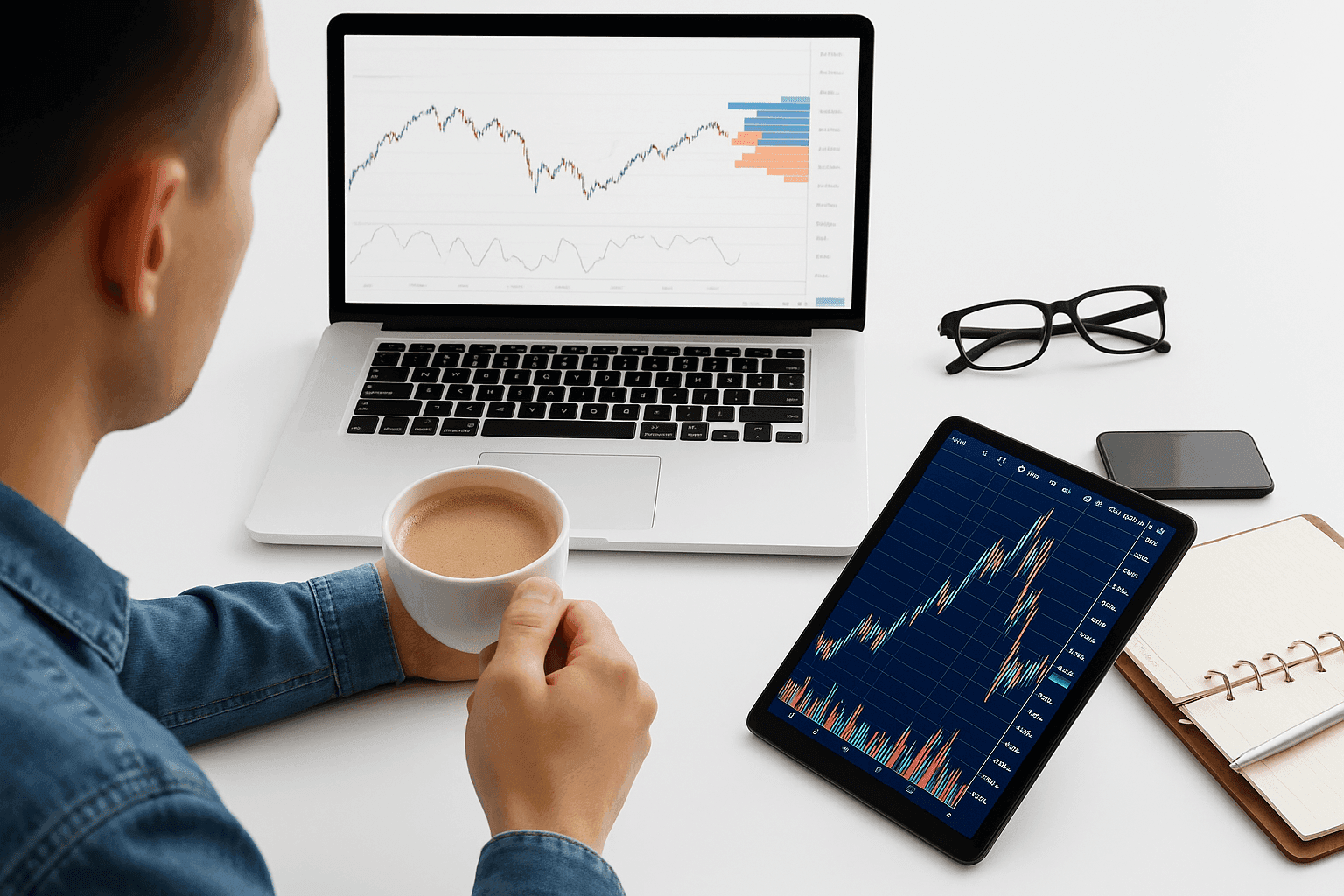
As you sift through mountains of investing advice and competing strategies, a stock trading simulator can shorten the learning curve by letting you rehearse in a lifelike market without putting capital on the line. Many people study for weeks or months before placing their first real order.
When you finally decide to step onto the trading floor of the stock market, the sheer amount of information can feel daunting. You may have a plan, a chosen approach, and a shortlist of stocks, but outcomes are never guaranteed—especially on your first live trade.
Imagine being able to rehearse your playbook before any money is at risk.
You can.
Use a simulator to prove your process—entries, exits, and risk limits—before you pay real tuition in the live market.
Virtual trading platforms let you test ideas in real time using simulated funds, so you can practice trading, refine your approach, and build confidence with zero financial risk. The best ones also let you track performance over time, review your fills, spot recurring mistakes, and experiment with different position sizes, setups, and risk rules without blowing up a real account.
What Is a Trading Simulator?
A trading simulator is a virtual replica of the market that mirrors live quotes and data inside a practice account. You’ll see prices, charts, and tools similar to what appears in a standard brokerage app. This type of practice is commonly called paper trading, and it’s essentially the same idea: you place simulated trades in a “paper” account to learn how orders, price movement, and portfolio changes work without real financial consequences.
There’s one critical distinction.
Live accounts use your actual money, so mistakes cost real dollars. In a practice environment, you trade with play money—often called paper money—that carries no real-world value. That also means you can’t make real money in a simulator: any profits or losses are purely virtual and can’t be withdrawn.
Because the prices stream in real time, you can place mock orders, test timing, and evaluate risk management as conditions evolve. Paper trading is beneficial because it lets you practice execution, build consistency, and stress-test ideas long enough to see whether results come from a repeatable edge or a few lucky trades.
If your method generates consistent virtual gains, you can consider moving to live execution.
If losses pile up, no harm done. Adjust your rules, iterate, and keep testing until you shape a strategy that performs more reliably.
One popular risk-management guideline you may hear about is the 3 5 7 rule in stocks. In practice, it’s a simple framework built around three percentage thresholds—often used as a way to predefine exits (for example, cutting losses within a small range like 3% to 5% and taking profits around a higher threshold such as 7%). Exact definitions vary by trader, but the point is the same: set rules in advance, then measure how well they work. A simulator is a good place to trial any version of the rule and see how it performs across different market conditions.
These practice platforms work across asset classes, including commodities, options, forex, exchange-traded funds, and individual stocks. Depending on the provider, you may be able to use a simulator on the web, as downloadable desktop software, and/or inside a mobile app.
Experienced traders also use simulators to fine-tune proven systems as the market shifts, checking whether tweaks could improve results before committing real capital.
The Best Trading Platforms That Let You Simulate Trading
Plenty of simulation environments are available online—many at no cost. Some come from brokerages that want to equip you with the right tools, while others are built by signal providers, education hubs, or automation services with the same goal: helping you learn, practice, and invest more effectively. Not every simulator is completely free, though—some require a subscription, course purchase, or an account that meets certain activity or balance requirements. Also, while many platforms stream live or near-live prices, some simulations use delayed data depending on the product and market.
| Platform | Key Features | Asset Classes Supported | Cost | Platform Availability |
|---|---|---|---|---|
| thinkorswim by TD Ameritrade | Pro-grade tools, strong charting, paperMoney simulation | Stocks, ETFs, currencies, options, futures; Bitcoin mentioned | No cost to access practice workspace | Not stated |
| Pilot Trading | Algorithmic signals with a scoring system; paper environment | Stocks, commodities; cryptocurrency venues mentioned via partners | Not stated | Not stated |
| TradeStation | Powerful active-trader platform with simulator | Stocks, options, currencies; crypto on live side (not in paper account) | Free with activity/balance conditions | Mobile app mentioned |
| NinjaTrader | Day-trading tools; replay/backtesting; automation support | Stocks, options; crypto mentioned | Free to try | Desktop download required |
| Warrior Trading | High-quality simulator; granular reporting; Level 2 Quotes | Not stated | Not stated | Not stated |
| Wall Street Survivor | Game-based learning; investing simulator | Stocks; futures and options mentioned | Not stated | Not stated |
| MarketWatch | Games; expanded quote context; tools and screener | Not stated | Not stated | Not stated |
| Bear Bull Traders Simulator | Customizable layouts; training program with simulator | Not stated | Not stated | Not stated |
1. thinkorswim by TD Ameritrade
TD Ameritrade is a leading discount broker, and its thinkorswim trade desk was built by active traders for active traders. The platform delivers one of the most polished virtual market experiences available.
You can trial strategies across multiple instruments with professional-grade tools and visualizations that simplify decision-making.
Access the practice workspace at no cost—even without opening a brokerage account.
Charts
Robust charting is core to thinkorswim. You’ll find a deep library of technical indicators and a clean, readable layout that makes analysis more straightforward. In addition to charts, many stock trading simulators (including broker-style platforms like this) typically include features such as multiple order types, watchlists, portfolio and position tracking, trade history, risk tools like stops, news or market commentary feeds, alerts, and educational resources to help you learn as you practice.
A Wide Range of Assets
If TD Ameritrade supports an instrument on thinkorswim for live trading, you can rehearse it inside paperMoney, the platform’s simulated account.
That spans stocks, ETFs, currencies, options, and futures. Bitcoin trading has been introduced, with plans to broaden cryptocurrency access over time.
Long and Short Trading Strategies Supported
Going long targets rising prices, but markets also fall. Short selling is supported in the simulator, so you can practice profiting from declines as well as rallies.
Stock Screener
To put a strategy to the test, you need candidates. The built-in stock screener helps you surface tickers by growth metrics, valuation ratios, volume, and many other filters.
Ease of Use
Designed by a top-tier broker, thinkorswim packages comprehensive tools in a layout that’s approachable, making it a strong choice for new investors and seasoned traders alike.
2. Pilot Trading
Pilot Trading focuses on active traders and is known for algorithmic signals that blend psychology-based artificial intelligence with measures of perception, commitment, equilibrium, and sentiment.
The combined output generates a score from -100 (strong sell) (strong buy).
To help users build trust in the process, Pilot offers a realistic paper environment so you can practice before connecting a live account. Highlights include:
Easy-to-Understand Signals
Signals present a simple numeric score plus four small indicators—one for each algorithmic component. More filled indicators typically suggest a stronger opportunity; fewer imply potential weakness.
Simple Trading Platform
The interface is streamlined for traders who want to follow the company’s signals without the clutter of features aimed at every use case. It’s minimal yet complete for the intended workflow.
Supported Brokers
When you’re ready to move beyond simulation, you can connect to a wide selection of partners covering stocks, commodities, and even cryptocurrency venues.
3. TradeStation
TradeStation is a favorite among active traders. Platform access is free if you place at least five trades within 12 months of opening or maintain an average end-of-month equity of $2,000.
While it’s not tailored to purely passive or long-term investors, day traders appreciate the powerful toolset and complimentary simulator.
If you plan to trade actively, the demo environment includes everything you need to validate your playbook before risking funds.
Reasons to try the simulator include:
- Access to Cryptocurrency: TradeStation supports a broad lineup of instruments—including stocks, options, and currencies—and also offers digital assets on the live side. Note that cryptocurrencies are not available inside the paper account.
- Trading Tools: The practice mode mirrors the live suite: detailed charts, flexible indicators, and the ability for account holders to swap between sim and live contexts to test in parallel.
- Community Forums: Active forums connect newcomers with experienced traders. Whether you’re learning options, equities, or other products, you’ll discover ideas, techniques, and discussions that accelerate learning.
- An Intuitive Mobile App: Both live and simulated accounts are accessible through a capable mobile app, so you can test and execute strategies on the go.
4. NinjaTrader
NinjaTrader caters to active traders and is well regarded for day trading tools. Its simulator lets you pressure-test tactics with virtual dollars instead of real cash.
The trade-off: you’ll need to download software rather than run it purely on the web. Aside from that, the package is excellent—and free to try.
Standout features include:
- Turn the Clock Back: A unique strength is the ability to replay historical data for true backtesting. You can evaluate how your rules would have performed in the past as well as in live market conditions.
- A Robust Set of Tools: Expect pro-level charts, a full indicator library, and support for building automated strategies. The practice toolkit mirrors the live environment closely.
- Stock Screener: An intuitive scanner helps you surface trade ideas quickly that match your criteria.
- Trade Cryptocurrency: NinjaTrader bridges traditional markets and digital assets, enabling you to trial approaches to crypto alongside stocks and options.
5. Warrior Trading
Warrior Trading is an education and signal service with a high-quality paper environment that ranks among the best for practice trading.
Whether you’re brand new or already successful and refining a new angle, the simulator delivers a rich experience and granular reporting.
You can analyze strengths and weaknesses inside your approach to ensure each component contributes to overall performance.
Advanced Reporting Metrics
Top-tier reports let you drill into win rates, setups, and conditions to see exactly what drives results—and what doesn’t.
Simulate Current Market Conditions
Built with input from Nasdaq and the New York Stock Exchange, the simulator incorporates Level 2 Quotes to closely approximate live order flow and depth.
A Compelling Trading Experience
Warrior Trading isn’t a broker; it earns revenue by teaching market concepts and providing signals. Founder Ross Cameron and the team are active traders who understand what a smooth trading experience requires—and they’ve built it into the simulator.
Made for New and Experienced Traders
The practice account is simple enough for beginners yet offers sophistication that power users will appreciate.
6. Wall Street Survivor
Wall Street Survivor is an education platform that uses game mechanics to teach better money habits, including how to invest to build wealth.
Its demo account lets you invest simulated funds, helping you learn without real-world risk.
It’s a strong choice if you want to test strategies while also improving broader financial planning and decision-making.
Trading Games
Compete with friends or the broader community by creating custom games or joining existing ones to see whose approach tops the leaderboard.
Options Trading
The virtual desk goes beyond basic stock orders, supporting futures and options for a fuller view of the market.
Shorting and Covering
You can rehearse short sales and manage covers to practice navigating downtrends.
Compelling Charting and Tools
Quality charts and a wide set of indicators provide what you need to test as if you were trading live.
7. MarketWatch
Founded in 1997, MarketWatch is a trusted market destination offering real-time quotes, news, analysis, and a capable stock screener.
With a reputation for insightful coverage and a mission to broaden access to market knowledge, its simulator delivers the features you’d expect from a leading name.
Trading Games
Create or join stock market games to benchmark your approach against other participants.
Full Quote Overview
Because MarketWatch is a news and research provider, you can view an expanded quote page that integrates headlines and analysis alongside pricing data for richer context.
Quality Tools
Expect comprehensive charting, indicator sets, expert commentary, and timely news to support your process.
Stock Screener
The screener is among the strongest available and even supports premarket and after-hours filtering to find ideas outside the regular session.
8. Bear Bull Traders Simulator
Bear Bull Traders offers a distinctive simulator as part of a broader program that teaches active traders—especially day traders—how to operate effectively.
Courses range from foundation-building to advanced tactics, and the virtual environment lets you apply what you learn without risking funds.
With customizable layouts and comprehensive tools, the simulator is a favorite for both new and experienced traders.
Here’s what stands out:
Customize Your Setup to Your Trading Preferences
Tailor indicators, layouts, and tools to match your style, whether momentum, breakout, or another approach.
Classes for All Experience Levels
Beginner, intermediate, and advanced tracks help you progress from fundamentals to nuanced execution.
The Platform Can Be Used for Live Trading
When you’re ready, you can trade live on the same interface you used for practice, ensuring a smooth handoff from simulation to reality.
Compelling Trading Tools
Charts, scanners, and analytics provide the full toolkit needed to test and refine strategies.
Final Word
Simulators are invaluable for learning how to trade and invest. They let you practice without risking capital, develop and validate strategies, build better risk habits, and work on emotional discipline by following rules even when the market is moving fast.
That said, no two practice platforms are identical. Some cater to traders, others to investors, and each has nuances that different users may prefer.
It’s also worth keeping expectations realistic when you graduate to live trading. While big gains are possible in theory, outcomes depend on skill, risk tolerance, position sizing, and market conditions—and aiming to make $1,000 per day can push beginners into taking outsized risks. Because most options are free, try several to find the environment that fits your style. Start practicing today and refine your strategy before you go live.